The Summury
Table of Content
- JavaScript
- Ways to set up WireframeJavaScript
- Input Output in plain JavaScript
- JavaScript variables
- Semantics
JavaScript
JavaScript (JS) is a lightweight, interpreted, or just-in-time compiled programming language with first-class functions. While it is most well-known as the scripting language for Web pages, many non-browser environments also use it, such as Node.js, Apache CouchDB and Adobe Acrobat. JavaScript is a prototype-based, multi-paradigm, single-threaded, dynamic language, supporting object-oriented, imperative, and declarative (e.g. functional programming) styles. Read more about JavaScript.
This section is dedicated to the JavaScript language itself, and not the parts that are specific to Web pages or other host environments. For information about API specifics to Web pages, please see Web APIs and DOM.

Ways to set up Wireframe
- JavaScript first steps : Answers some fundamental questions such as “what is JavaScript?”, “what does it look like?”, and “what can it do?”, along with discussing key JavaScript features such as variables, strings, numbers, and arrays.
-
- JavaScript building blocks
- Continues our coverage of JavaScript’s key fundamental features, turning our attention to commonly-encountered types of code blocks such as conditional statements, loops, functions, and events.
-
- Introducing JavaScript objects
- The object-oriented nature of JavaScript is important to understand if you want to go further with your knowledge of the language and write more efficient code, therefore we’ve provided this module to help you.
-
- Asynchronous JavaScript
- Discusses asynchronous JavaScript, why it is important, and how it can be used to effectively handle potential blocking operations such as fetching resources from a server.
-
- Client-side web APIs
- Explores what APIs are, and how to use some of the most common APIs you’ll come across often in your development work.
Input Output in plain JavaScript
-
first creat a file in repo
-
link the J.S with Html
-
use coreect codes
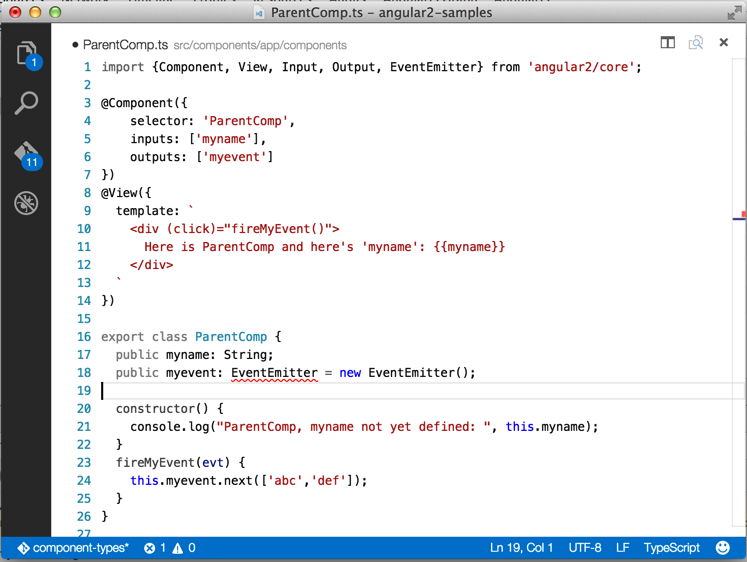
JavaScript variables
JavaScript variables are containers for storing data values.
In this example, x, y, and z, are variables, declared with the var keyword:
var x = 10; var y = 11; var z = x + y; for this example
- x stores the value 10
- y stores the value 11
- z stores the value 21
JavaScript Identifiers
All JavaScript variables must be identified with unique names.
These unique names are called identifiers.
Identifiers can be short names (like x and y) or more descriptive names (age, sum, totalVolume).
The general rules for constructing names for variables (unique identifiers) are:
- Names can contain letters, digits, underscores, and dollar signs.
- Names must begin with a letter
- Names can also begin with $ and _
(but we will not use it in this tutorial)
- Names are case sensitive (y and Y are different variables) Reserved words (like JavaScript keywords) cannot be used as
